How to Run a Hands-On Technical Workshop
Run a hands-on technical workshop in 9 steps: format, agenda, staffing ratios, lab provisioning, pacing, backups and teardown, plus 5 lab platforms compared.
To run a hands-on technical workshop, set one outcome, plan about 70% of the time for hands-on work, staff one assistant for every 10 to 15 attendees, give each attendee an isolated lab environment, start provisioning at least an hour before kickoff, rehearse the exercises end to end, and tear the environments down when the session ends. This guide covers the nine steps and compares five lab platforms that provision environments for a workshop.
A hands-on technical workshop is a session where attendees work in a real or realistic environment, such as a cloud account, a server or your product, and complete tasks while an instructor guides them. The pages that rank for this search are personal checklists from 2010 to 2019 or vendor pages. None we read cover cloud lab provisioning, staffing ratios, cost control and teardown together. This guide is for developer relations, technical enablement and sales engineering leaders at software and cloud vendors in North America and Europe.
Step 1: Define the outcome, the audience and the format
Start with what attendees should be able to do afterward, and who they are.
- Outcome: write one sentence, such as “attendees deploy and secure a sample app in your product”. Every exercise should serve it.
- Audience: customers, partners and developers need different depth, so set a prerequisite level and say it in the invitation.
- Format: choose in-person, virtual or hybrid. Hands-on content is what attendees want: in a Freeman survey of about 2,100 event attendees, as reported by PCMA, 56% said they most valued hands-on interactions. It covers business events in general, not only developer workshops.
- Fit: use a workshop for skills, a demo for awareness and a proof of concept for a buyer’s evaluation. See the guide to running a software proof of concept.
Step 2: Set the length and agenda
Plan less content than you think the room can finish.
- Length: Instruqt’s guide to instructor-led sessions suggests “3 hours for a half-day workshop, 8-9 hours for a full-day program”. AWS runs its re:Invent workshops as “two-hour interactive sessions”.
- Balance: Instruqt recommends “roughly 70% hands-on time to 30% instructor explanation and framing”, and notes that “attention also drifts naturally after 7-10 minutes of passive listening”.
- Buffer: add 30 to 45 minutes for setup problems. Keep the introduction to 5 to 10 minutes, as AWS does.
- Fast finishers: Bas Dijkstra of Ministry of Testing advises preparing “enough exercises to fill 1.5 times as much time as you have”.
- Scope: AWS attendee feedback said one workshop “had more content than could easily be covered in the time allowed”. Cut exercises before the event, not during it.
Step 3: Plan staffing
Put enough helpers in the room that a stuck attendee never waits long.
- Ratio: Instruqt says “the general rule of thumb is having 1 co-host (assistant) per 10-15 participants”.
- Older view: Greg Wilson’s 2012 guide to bootcamps assumed a 10:1 ratio of helpers to learners. Treat that as the upper bound for beginners.
- Roles: one instructor presents, one co-host watches the lab dashboard, and the others help individuals. AWS staffs re:Invent workshops with “several AWS staff” who know both the topic and the format.
- Pair people: Dijkstra suggests pairing anyone stuck for more than five minutes with a prepared attendee.
Step 4: Choose the environment model
Decide where attendees will do the work.
- Local installs: Dijkstra says “there’s no substitute for local installs”, but they break on managed laptops and slow Wi-Fi.
- Browser-based labs: a lab platform gives each attendee an environment that opens in the browser. Strigo, Heropa and CourseStack all describe browser access, and CourseStack says “learners do not need personal cloud accounts”.
- Network: do not assume venue Wi-Fi matches your office. Raise IP address limits before conference events, as Instruqt advises.
- Isolation: one attendee’s mistake must not affect another’s lab.
Step 5: Provision and size the environment pool
Create the environments before the event, and size the pool to the people who will show up.
- Pool size: Instruqt says that for a 150-seat session, “provision 110-120 sandboxes”, about 65 to 70% of registrations for live workshops and 70 to 80% at conferences. This avoids paying for sandboxes that sit unclaimed.
- Lead time: AWS deploys accounts 24 hours in advance. Its Workshop Studio “provisions individual workshops in batches of 10 AWS accounts at a time”, and one team deployed 145 accounts within three hours.
- Start early: Instruqt says to start provisioning “at least 1 hour before the event, more for large pools”.
- Capacity: check cloud quotas and regions. CloudLabs’ Databricks case study says capacity was “pre-allocated across Azure and AWS regions” for a free virtual event with more than 7,000 registrations.
Step 6: Send pre-work and rehearse
Test the whole experience the way an attendee will see it.
- Pre-work: send setup instructions about two weeks ahead with a way to verify them, and remind attendees the week before, as Dijkstra and Jamie Tanna both advise.
- Rehearsal: the instructor claims a sandbox and runs every exercise from start to finish. Instruqt recommends this end-to-end test and says to decide which steps are “essential and which are optional”.
- Load test: Heropa suggests using its API to create environments before the workshop “for load testing and peace of mind”.
- Materials: prepare a short URL for the lab link and a printed or slide copy of the first steps.
Step 7: Run the session and watch the room
Keep the room moving and spot problems early.
- Kickoff: show the lab link as a short URL on a slide. If bandwidth is tight, Instruqt suggests staggering starts “by a minute or two”.
- Monitor: watch raised hands, failed attempts and idle learners on the dashboard, and step into an attendee’s environment when needed. ReadyTech offers real-time learner screens with take or share control, and Heropa offers over-the-shoulder support.
- Pace: when in doubt, go a little slower, as Dijkstra advises. Do not wait for the slowest attendee. Give a pair-up task to those who finish early.
- Support: keep the chat open so attendees can ask without stopping the room.
Step 8: Prepare backups
Decide before the day what you will do when something fails.
- Essential and optional: mark the exercises that must work and the ones you can skip. Instruqt advises setting this in advance.
- Backup plan: The Agile Admin’s 2010 checklist says to “have a backup plan even if it involves handing out materials”.
- Fallback environment: Jamie Tanna suggests an online IDE or a temporary virtual server as a fallback.
- Spare capacity: keep a few extra environments ready for latecomers and failures.
Step 9: Tear down, control cost and follow up
Close the environments as soon as the session ends, so they stop costing money.
- Pool end time: Instruqt advises ending the pool “15-30 minutes after the session starts” for a conference, because unclaimed sandboxes stop billing after that. It also says to “terminate remaining Hot Start pools to stop cost” and to check the pool “has stopped”.
- Cost controls: use per-attendee limits, idle shutdown and cost alerts. CloudLabs describes per-attendee credit limits, automatic VM shutdown on idle and cost-capping alerts for events.
- Follow-up: collect feedback, send the materials and offer a self-paced version of the labs for people who missed the session.
Lab platforms for hands-on technical workshops
These five platforms provision workshop environments. For platforms built around hackathons, see the best hackathon platforms. Facts come from each vendor’s own pages, read on October 28, 2026, or from the earlier guides linked here.
CloudLabs
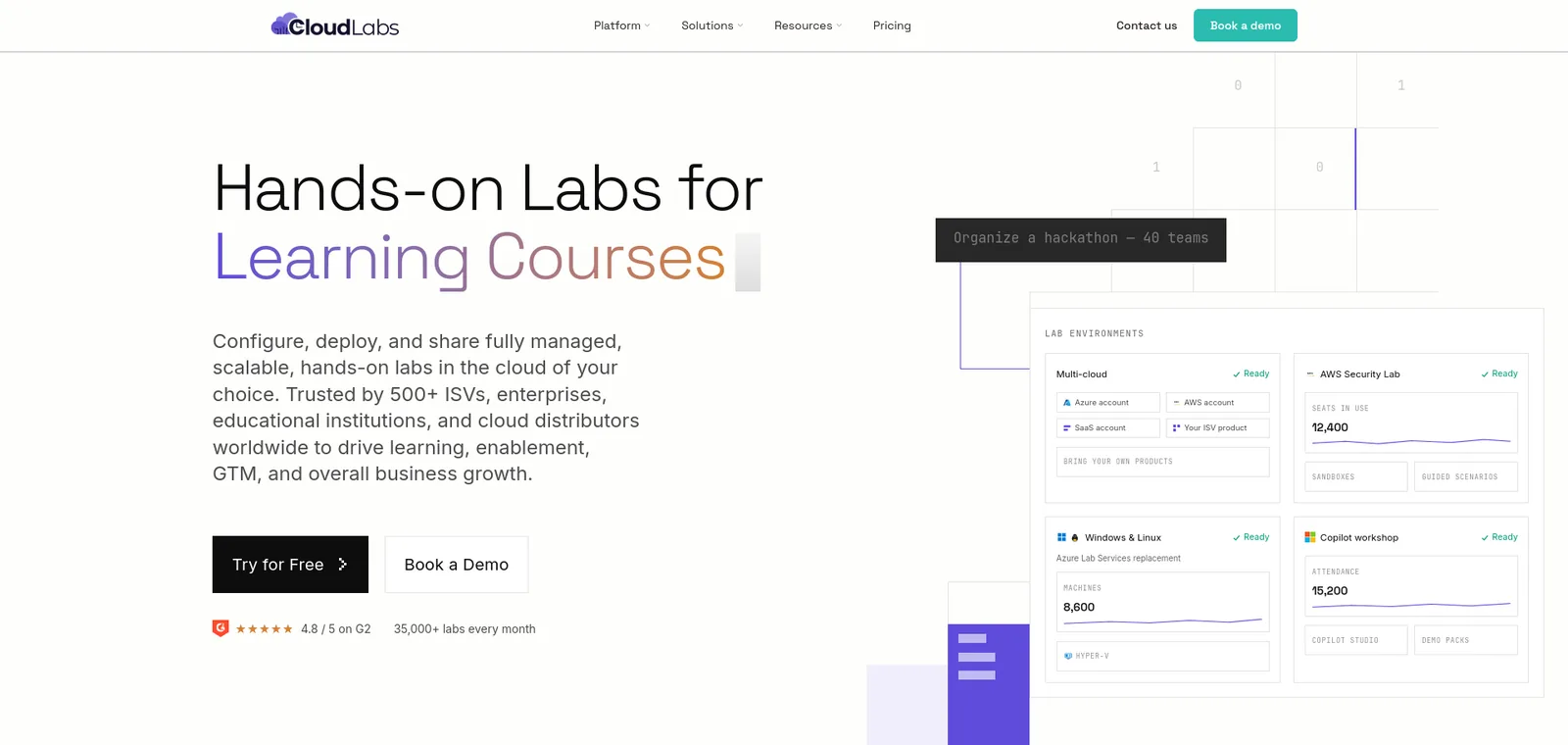
- Events: it ran the IBM Agentic AI Hackathon 2025, with “more than 450 participants in 225 teams from 25 countries over 30 days”, and an event for Capgemini with more than 1,200 participants.
- Provisioning: environments “spin up in under 60 seconds”, on AWS, Azure, GCP and Oracle Cloud.
- Cost control: per-attendee credit limits, automatic VM shutdown on idle and cost-capping alerts, with labs deleted after the event.
- Instructor view: instructors “monitor participant labs in real time and step in without disrupting flow”.
- Limitation: the event page gives no concurrency limit or teardown schedule, and custom environments take weeks to build.
Instruqt
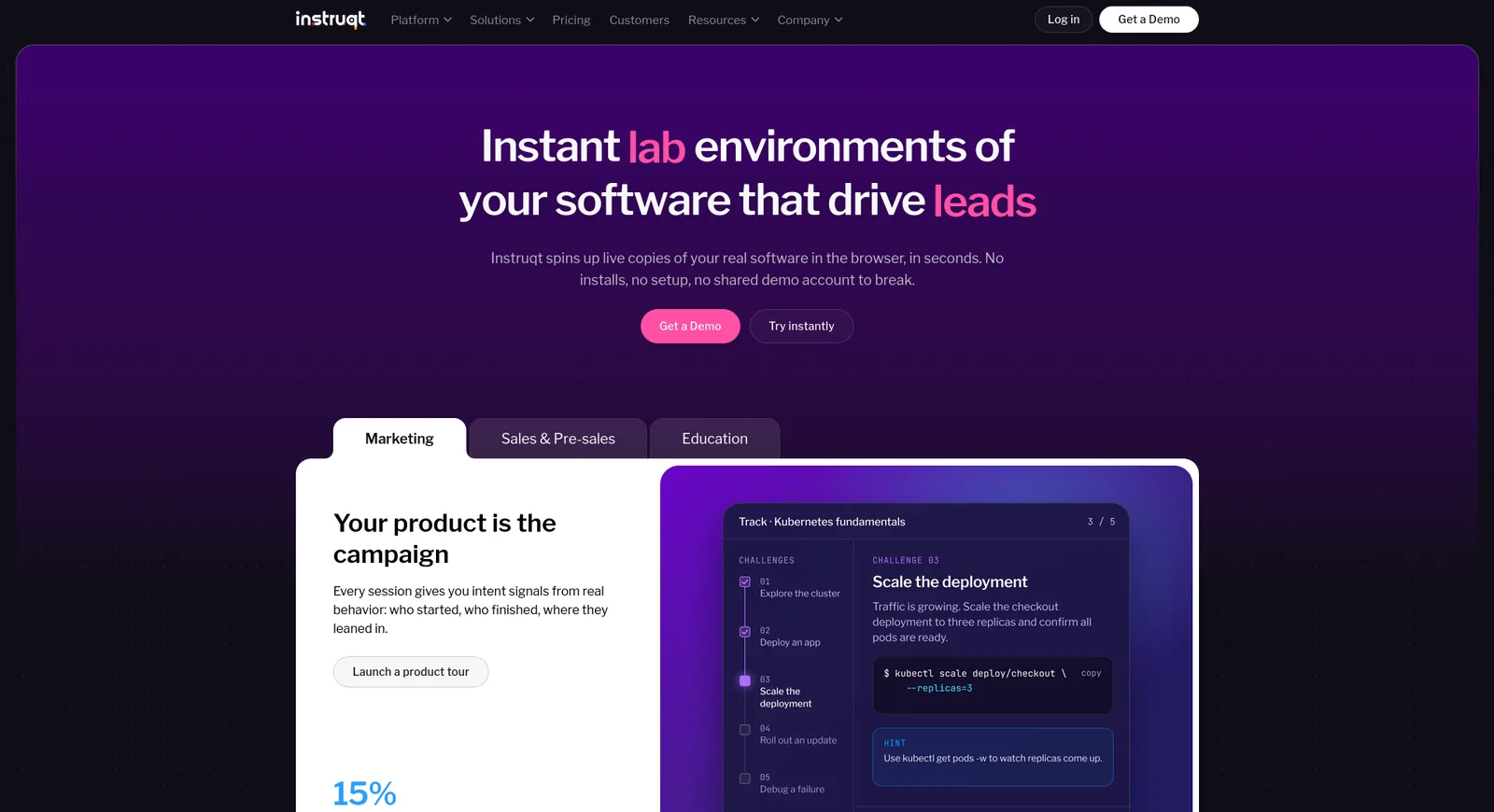
- Isolation: “isolated, AWS, Azure, and GCP accounts per session”, with “VMs, containers and Kubernetes in seconds”.
- Workshop tooling: published guidance on co-host ratios, pool sizing and pool end times.
- Limitation: your team writes and maintains the labs, and its pages state no per-attendee cost cap.
Strigo
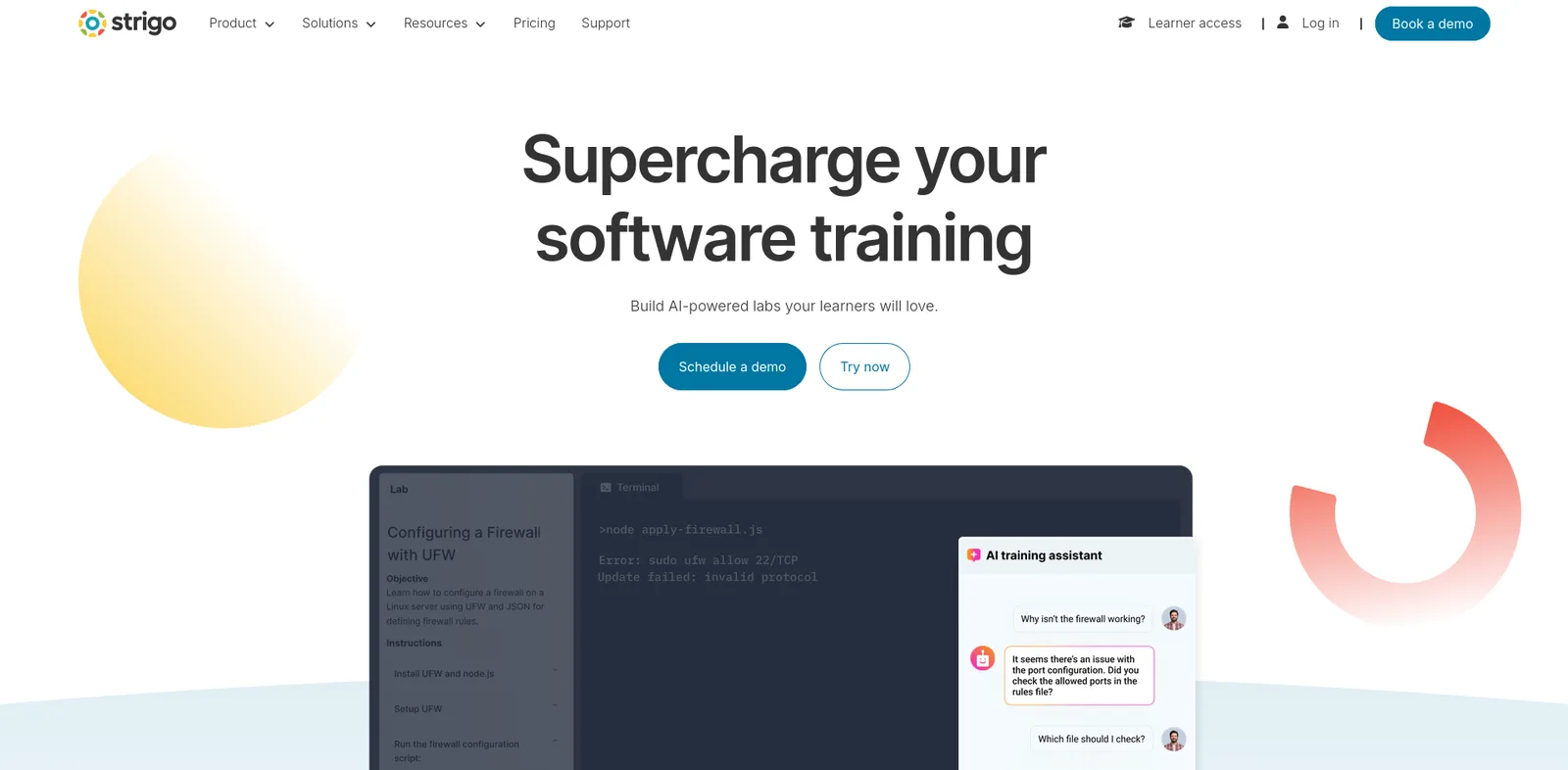
- Scale: “host up to 300 concurrent participants in a single session”, with “pre-heated sandbox environments ready when learners begin”.
- Access: any modern browser, with “zero downloads”.
- Limitation: the 300-participant session cap applies, and its pages say nothing on isolation, cost or teardown.
Heropa
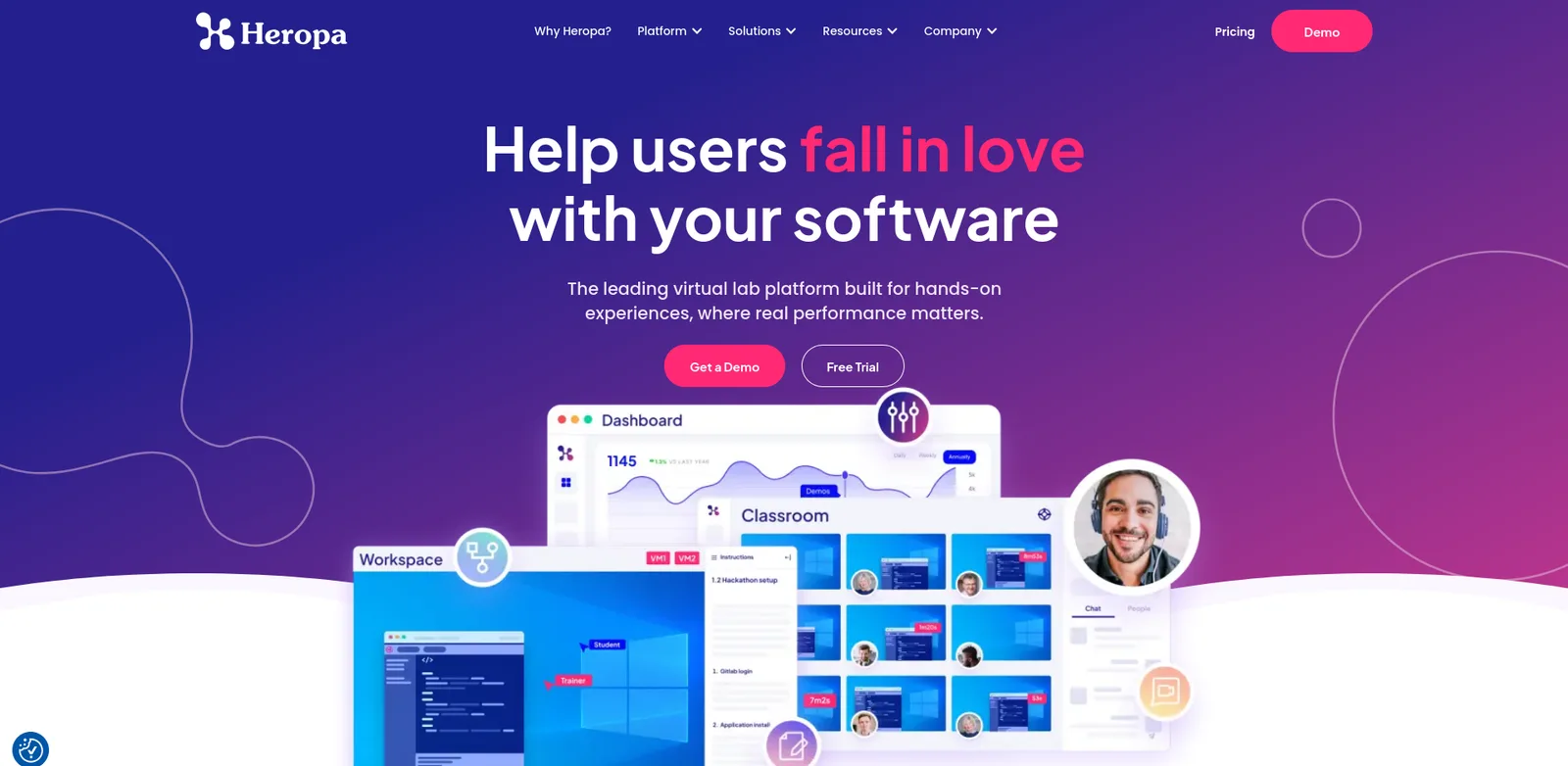
- Isolation: every participant gets “their own environment”, reached through “pre-authenticated access links that are easily shared”.
- Instructor view: monitor progress and give over-the-shoulder support.
- Limitation: it publishes no concurrency, provisioning-time or event cost figures.
ReadyTech
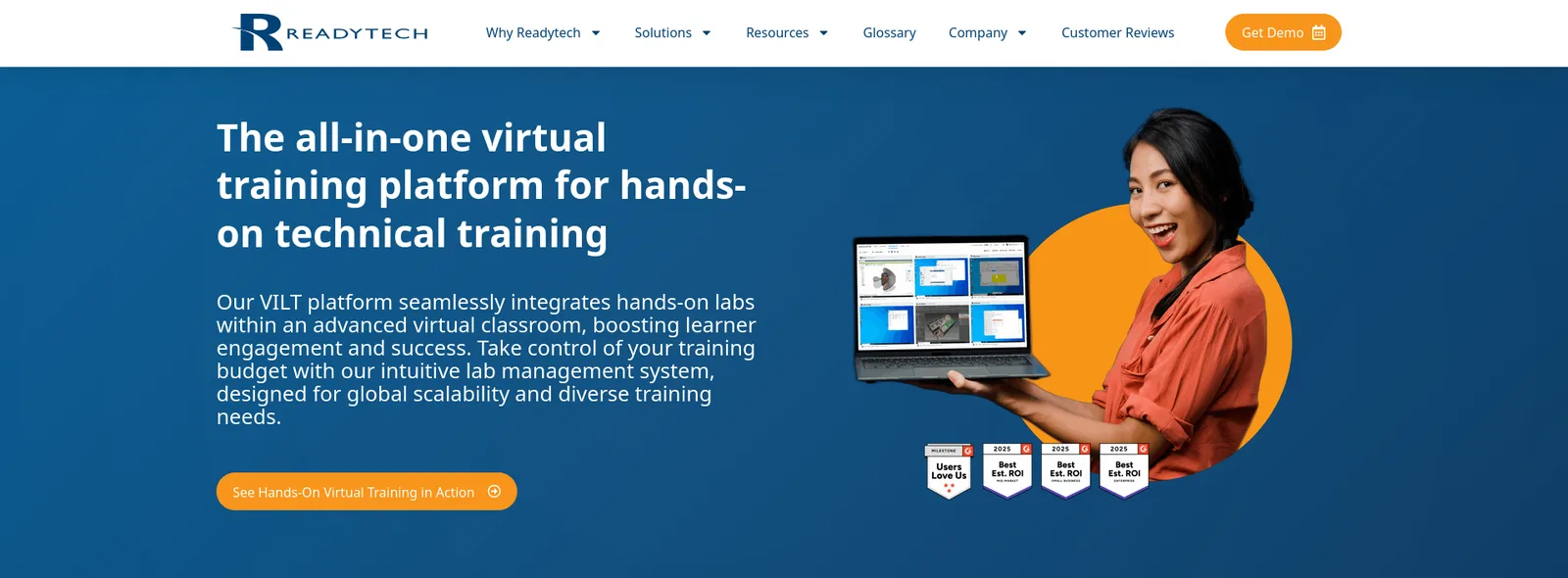
- Access: labs open “without browser plug-ins, software installations, or a VPN”.
- Cost: cloud labs “shut down resources automatically to help reduce cloud provider costs”.
- Instructor view: real-time learner screens, with take or share control.
- Limitation: it can reset only “supported” lab environments, and it states no concurrency figure.
Workshop lab platforms compared
| Platform | Concurrency stated | Isolation | Cost controls | Instructor view |
|---|---|---|---|---|
| CloudLabs | Event figures: 450+ and 1,200+ participants | Isolated per participant | Credit limits, idle shutdown, alerts | Real-time monitor |
| Instruqt | Not stated | Account per session | Time limits (see its docs) | Dashboard, step in |
| Strigo | Up to 300 per session | Not stated | Not stated | Not stated |
| Heropa | Not stated | Own environment per participant | Not stated for events | Over-the-shoulder |
| ReadyTech | Not stated | In-house or cloud labs | Auto shutdown of cloud resources | Screens, take control |
FAQ
How long should a hands-on technical workshop be?
Plan three hours for a half day and eight to nine hours for a full day, according to Instruqt’s guide. AWS runs two-hour workshops at re:Invent. Add a buffer of 30 to 45 minutes and prepare fewer exercises than you think you need.
How many assistants do I need for a hands-on workshop?
Instruqt’s rule of thumb is one co-host per 10 to 15 participants. Add more for beginners or for rooms where attendees use unfamiliar tools.
How do I set up lab environments for 100 or more attendees?
Use a lab platform that provisions an isolated environment for each person. Start provisioning at least an hour before kickoff, size the pool to 65 to 80% of registrations and rehearse with one sandbox. See the training sandbox environment guide.
What do I do if Wi-Fi or laptops fail?
Prepare a fallback. Mark which exercises are essential, keep spare environments ready and have printed or slide-based steps. A browser-based lab needs only a browser, so a loaner device can replace a failed laptop.
How do I stop workshop labs from running up cloud costs?
Set per-attendee limits, idle shutdown and a pool end time, and check after the event that every environment has stopped. Instruqt advises terminating leftover pools and ending the pool soon after the session starts.
Conclusion
For vendors that run hands-on workshops at scale on a real cloud, CloudLabs is the best platform on this list.
- Event record: it ran the IBM Agentic AI Hackathon 2025 with more than 450 participants in 225 teams, and an event for Capgemini with more than 1,200 participants.
- Speed: environments spin up in under 60 seconds.
- Clouds: AWS, Azure, GCP and Oracle Cloud from one platform.
- Cost: per-attendee credit limits, idle shutdown, cost-capping alerts and labs deleted after the event.
- Instructor view: real-time monitoring, with the option to step into an attendee’s lab.
- Scale: more than 5 million labs provisioned and more than 50,000 events supported.
If your engineers want to script every workshop environment themselves, Instruqt gives them that control and publishes useful workshop guidance. If you need a very large single session, check Strigo’s 300-participant cap against your numbers. For workshops that run on a real multi-cloud product environment, start with CloudLabs.
See CloudLabs for events and workshops.
For related guides, see the best hackathon platforms, the best sales demo environment platforms, the guide to conducting effective virtual workshops and the partner certification program guide.
Related Blogs
 CloudLabsWhat Is a Training Sandbox Environment? 10 Best Platforms for 2026A training sandbox environment is an isolated, resettable copy of real software for hands-on practice. Compare 10 platforms on reset, clouds and cost.
 CloudLabs10 Best Cloud Lab Platforms for Education in 2026The 10 best cloud lab platforms for teaching cloud computing in 2026, ranked on real consoles, cost controls and LMS fit: CloudLabs, Vocareum, Skillable.