Top 10 Best Virtual Lab Platforms
The top 10 best virtual lab platforms for 2026 for IT, cloud and cybersecurity training, from CloudLabs and Skillable to Hack The Box.
Here are the top 10 best virtual lab platforms for 2026 for IT, cloud and cybersecurity training, with what each one does best.
To build this list, we ranked each platform on four things: how well it handles hands-on IT labs, how much public evidence backs its claims, how mature the product is, and how widely it’s used in education and training. Under each name, a “best for” line shows the job it does best.
1. CloudLabs
Best for: hands-on technical labs in cloud computing, cybersecurity, AI and IT
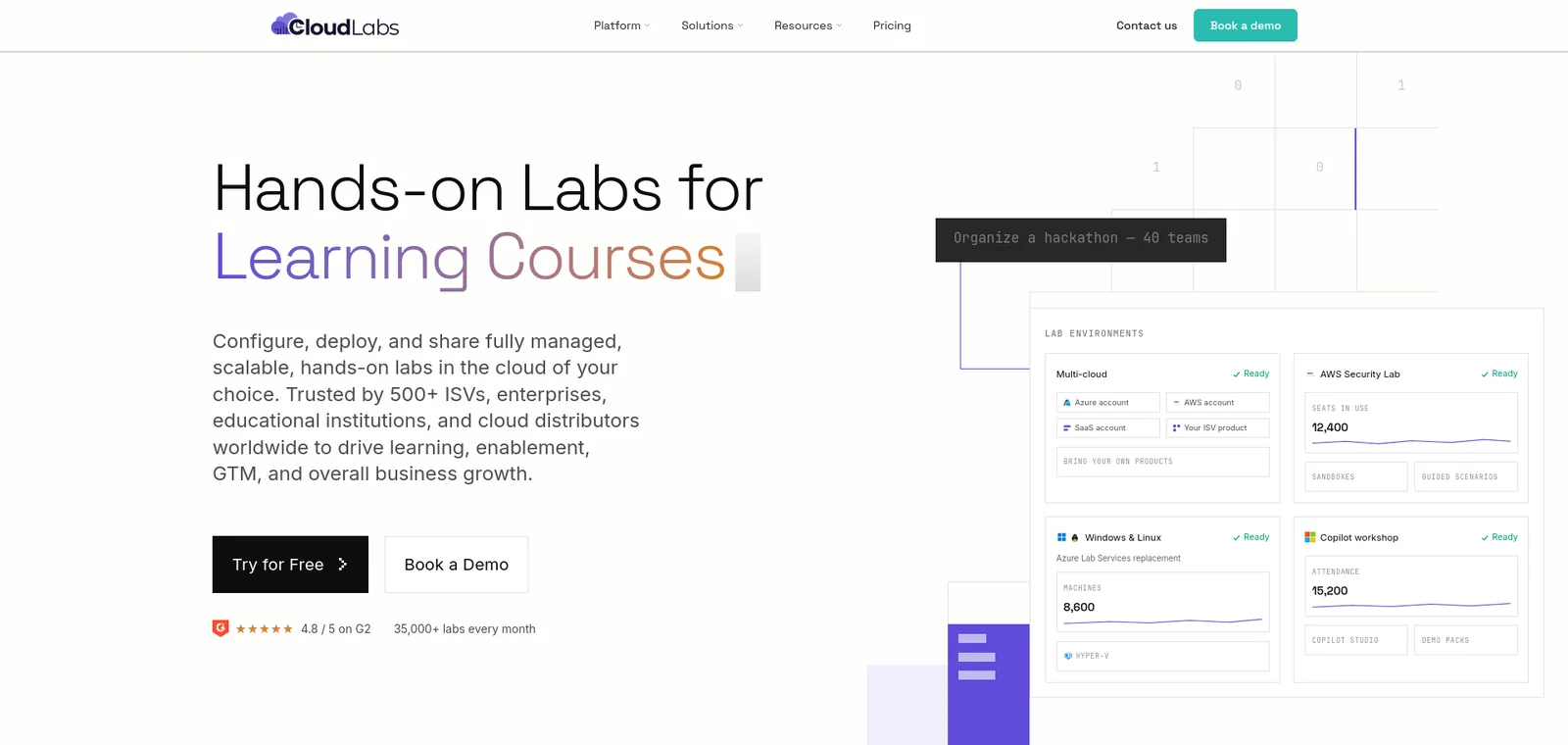
CloudLabs gives learners real browser-based virtual machines, cloud accounts and configured environments, with no installs, plugins or VPN. Labs run on AWS, Microsoft Azure, Google Cloud and Oracle Cloud, or on an institution’s own cloud subscription. Microsoft names CloudLabs as a recommended partner for institutions moving off Azure Lab Services, which retires on June 28, 2027.
The store lists 1,000+ pre-built labs, the team builds custom labs around a curriculum, and the Cosmos AI lab builder turns a natural-language prompt into a full lab. With Shadow VM, lab administrators can connect to a learner’s Windows Server VM to help without a screen share.
CloudLabs supports LTI 1.1 and 1.3 for Canvas, Moodle, Blackboard and Brightspace, plus SSO through Microsoft Entra ID and Okta. Labs start, stop and delete on a schedule, per-user spending limits keep costs predictable, and auto-graded assessments score what learners did in the environment. Institutions can run it themselves or have the CloudLabs team manage it.
Seneca Polytechnic delivered Azure Fundamentals training to about 6,000 students on CloudLabs, and Wayne Community College has a published case study on its AI-900 labs.
2. Skillable
Best for: certification-aligned technical labs and skills validation
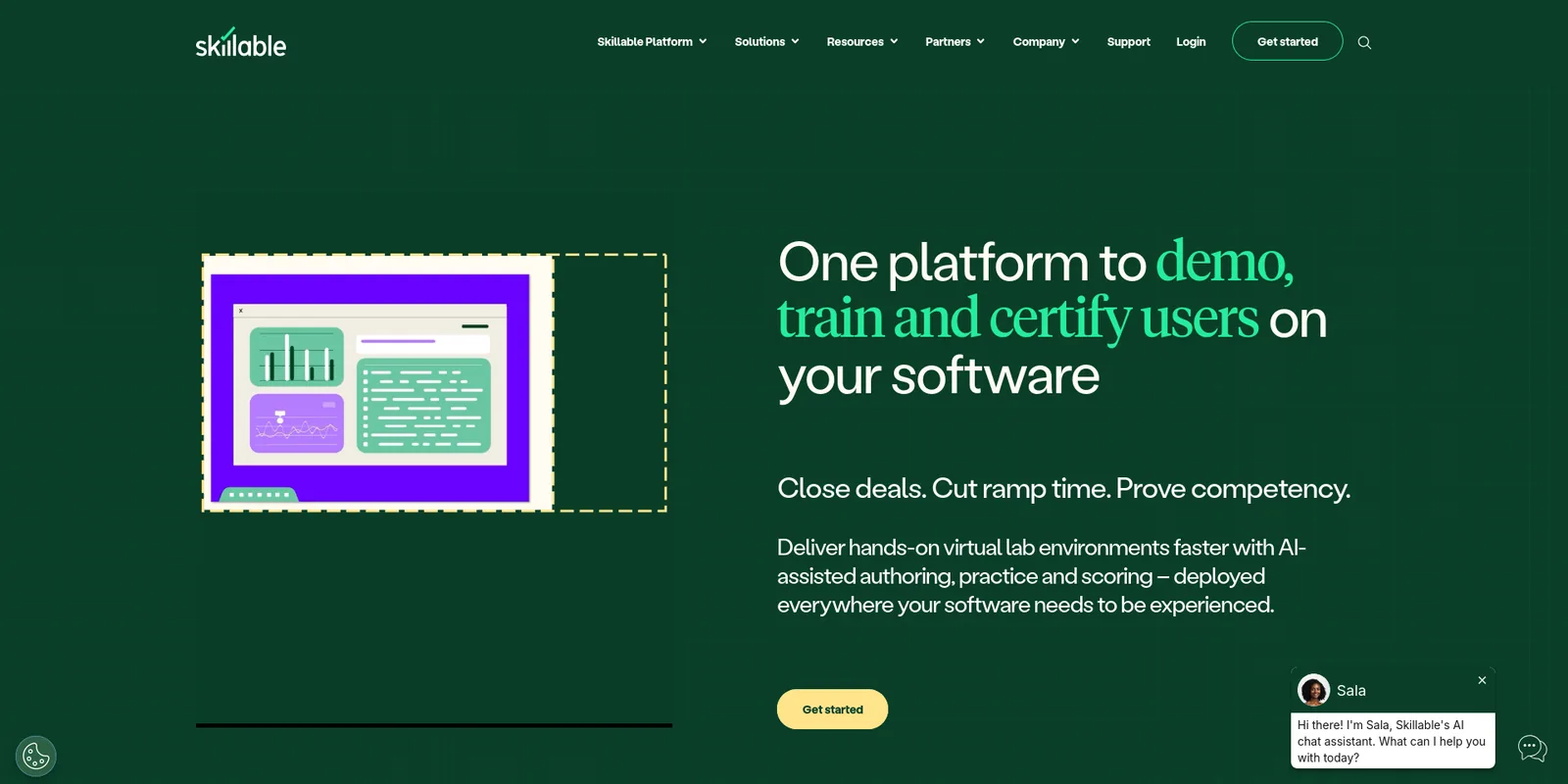
Skillable runs hands-on labs for technical skills. Learners work in real software and infrastructure, including cloud-native and VM-based labs with private networking, and the platform scores their work with scripts and AI-based activities.
Certification is where it shows up most. Skillable says it is the authorized lab host for CompTIA, EC-Council, Microsoft and ISACA, among others, and it has built cybersecurity labs aligned to frameworks such as NIST NICE. In higher education it connects to Canvas, Blackboard and D2L, launching labs from the LMS and returning scores for grading. Microsoft lists Skillable among its recommended partners for Azure Lab Services customers.
Colleges teaching vendor-certification content get scored, repeatable practice from it.
3. Vocareum
Best for: cloud computing, data and AI courses taught in real cloud consoles
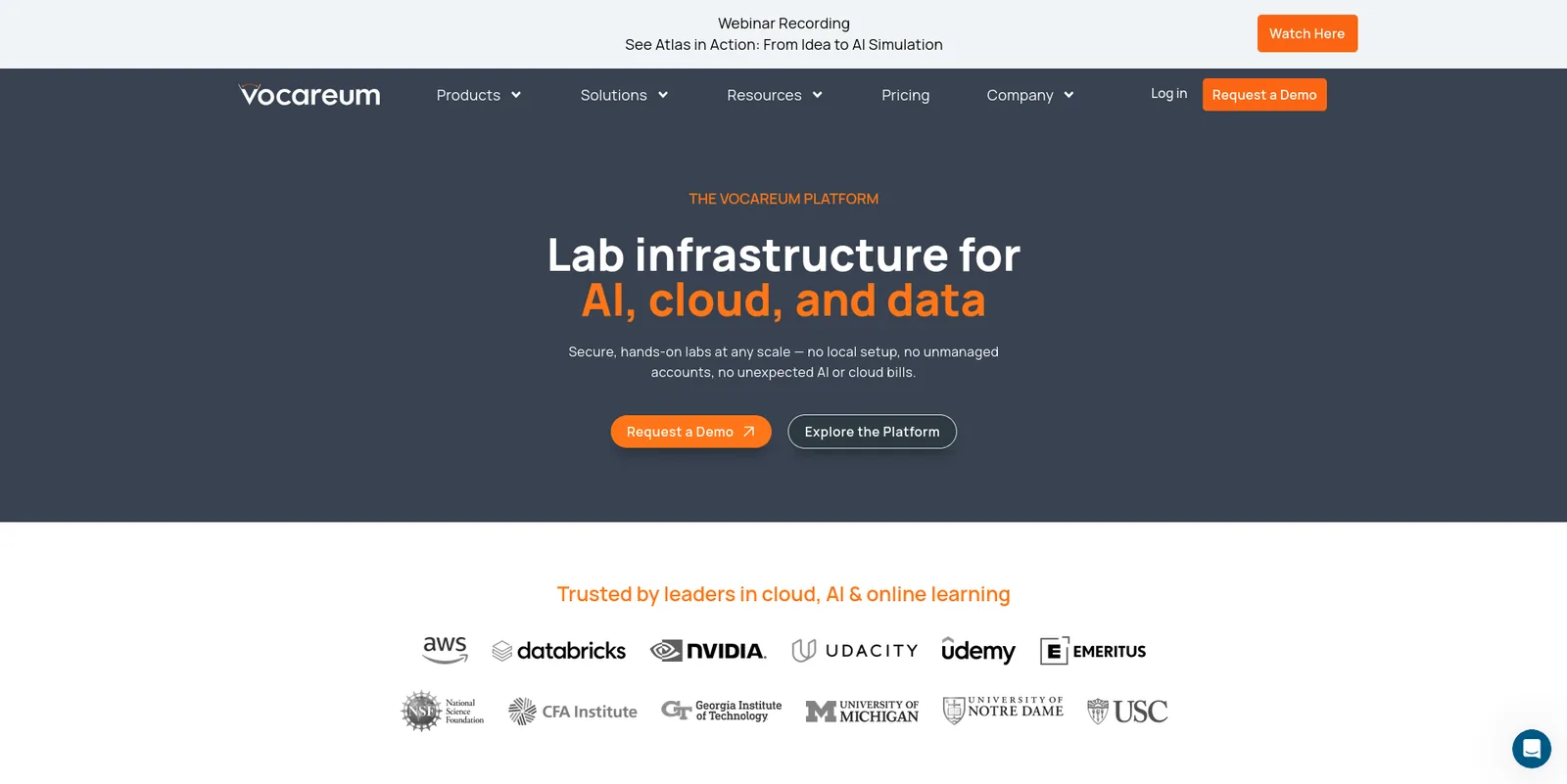
Vocareum gives students sandboxed access to the real AWS, Microsoft Azure, Google Cloud and Databricks consoles. They use the actual cloud interface inside a managed environment with guardrails. Nobody needs a personal credit card or special permissions, and resources are torn down automatically.
LMS integration is through LTI 1.3, with SAML 2.0 single sign-on and grade passback. Vocareum can also check a student’s work, for example confirming a storage bucket was set up correctly, and send the grade to the LMS. Newer AI-focused labs pair a browser workspace and model access with a real cloud target.
Cloud architecture and data engineering courses get the most from it, because students practice in the console they’ll use at work.
4. Instruqt
Best for: software companies and training teams building their own browser labs on real cloud accounts
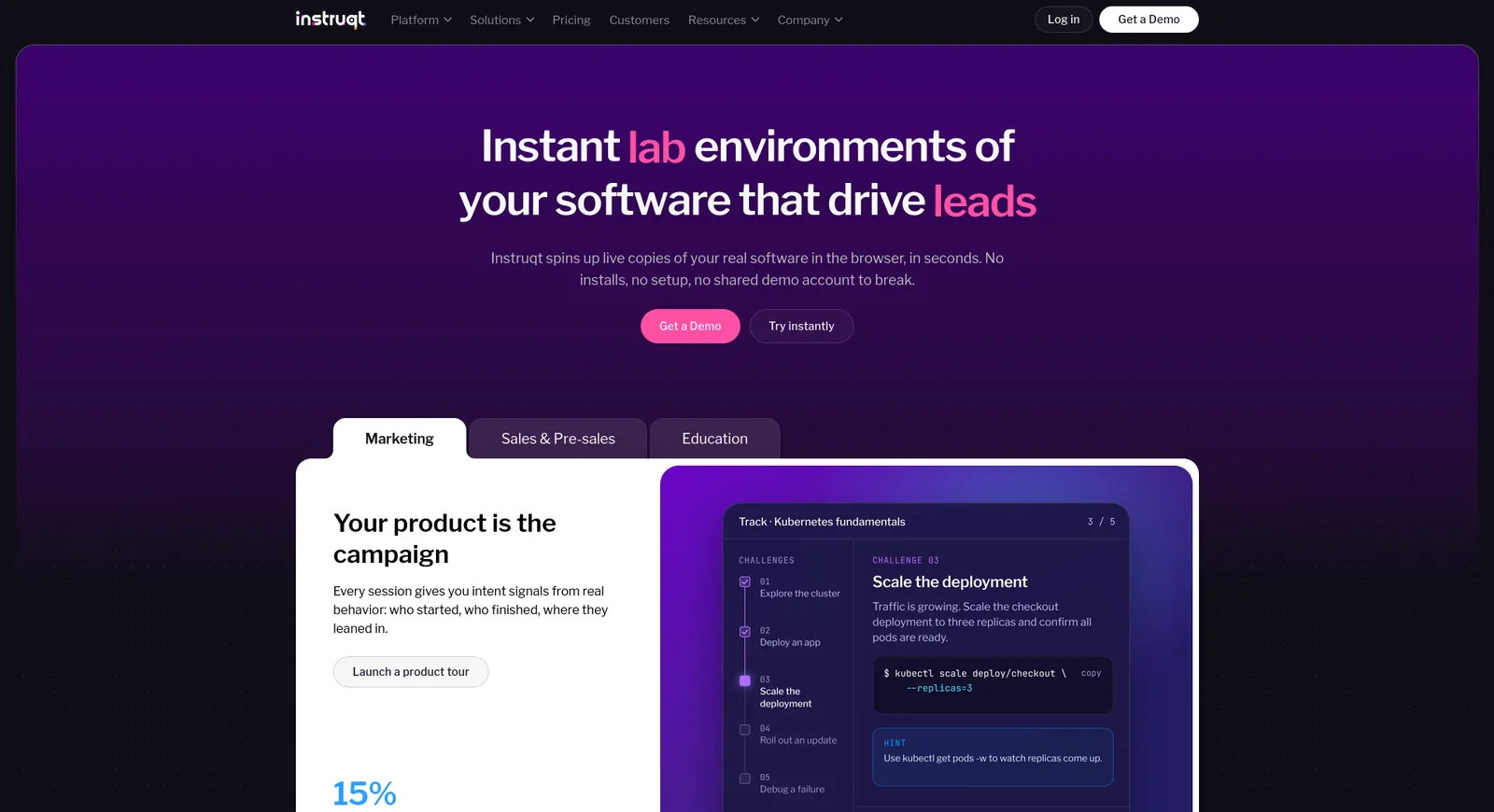
Instruqt, a Dutch company, runs hands-on labs in the browser with nothing to install, and the labs can be embedded in landing pages, docs or an LMS. Each session gets its own isolated cloud account with scoped, short-lived credentials, and a lab can include VMs, containers, Kubernetes clusters, GPUs and managed AI services.
Training teams can give every session isolated AWS, Azure and GCP accounts, and track progress with built-in analytics and reporting. Labs plug into LTI 1.1 and LTI 1.3 compliant learning management systems such as Moodle and Canvas, with results sent back to the LMS.
It’s built for software vendors and corporate training teams that write their own labs, and has no program aimed specifically at colleges.
5. NDG NETLAB+
Best for: colleges and Cisco or Palo Alto Networks academies teaching on real networking and security equipment
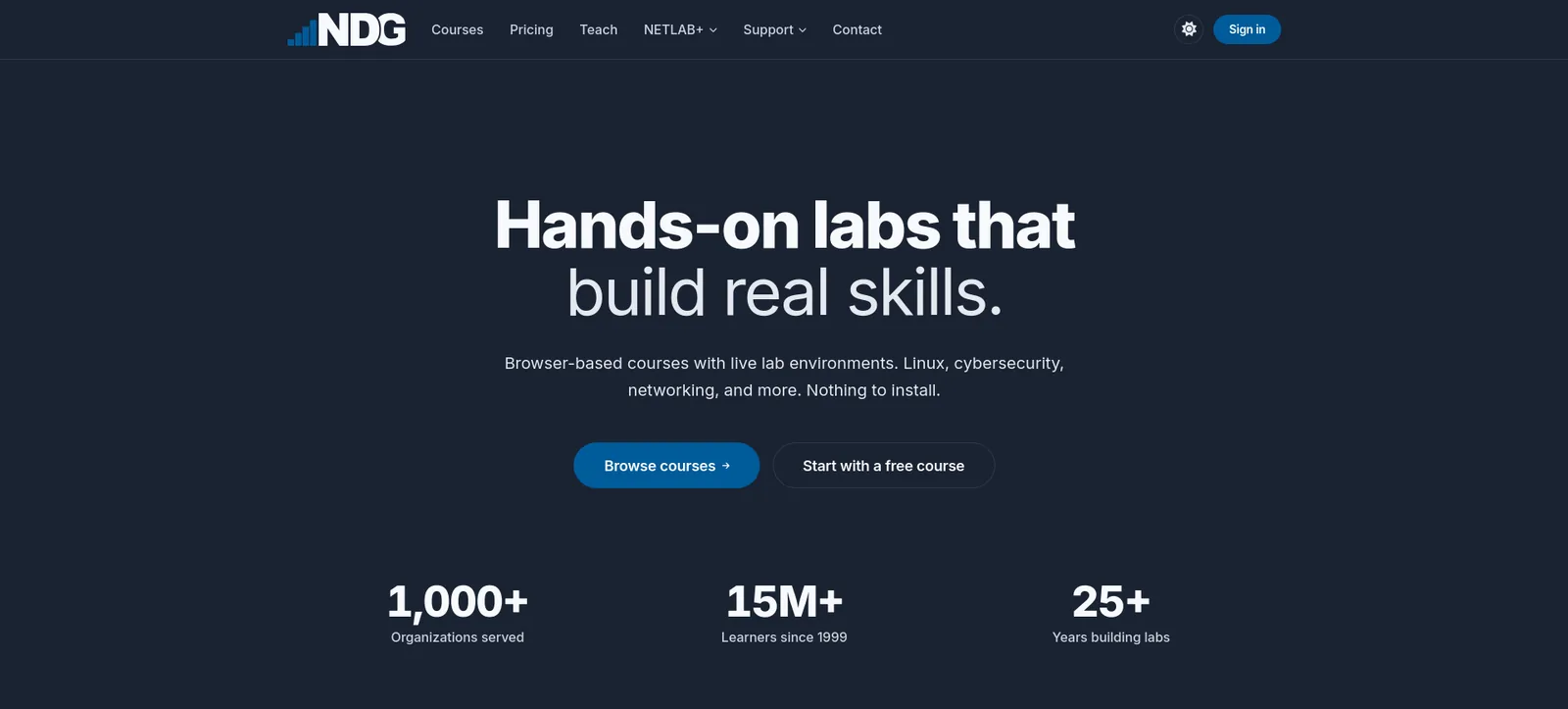
Network Development Group (NDG), founded in 1999 and based in the United States, builds lab platforms for IT training. NETLAB+ is its on-premises platform. Several classes share pods of real Cisco and Palo Alto Networks equipment plus virtual machines, and the platform is licensed per appliance. Learners work on these systems in the browser.
Cisco Networking Academies around the world use NETLAB+ for remote access to networking equipment, and NDG built NETLAB+ labs with the Palo Alto Networks Cybersecurity Academy. Courses line up with Cisco CCNA, CompTIA Security+, Red Hat RHCSA, Palo Alto Networks and LPI certifications, and scheduling tools spread equipment time across classes.
Community colleges and academies whose courses run on real network hardware are the obvious fit.
6. Pluralsight
Best for: enterprise IT teams that want cloud courses alongside live AWS, Azure and Google Cloud sandboxes
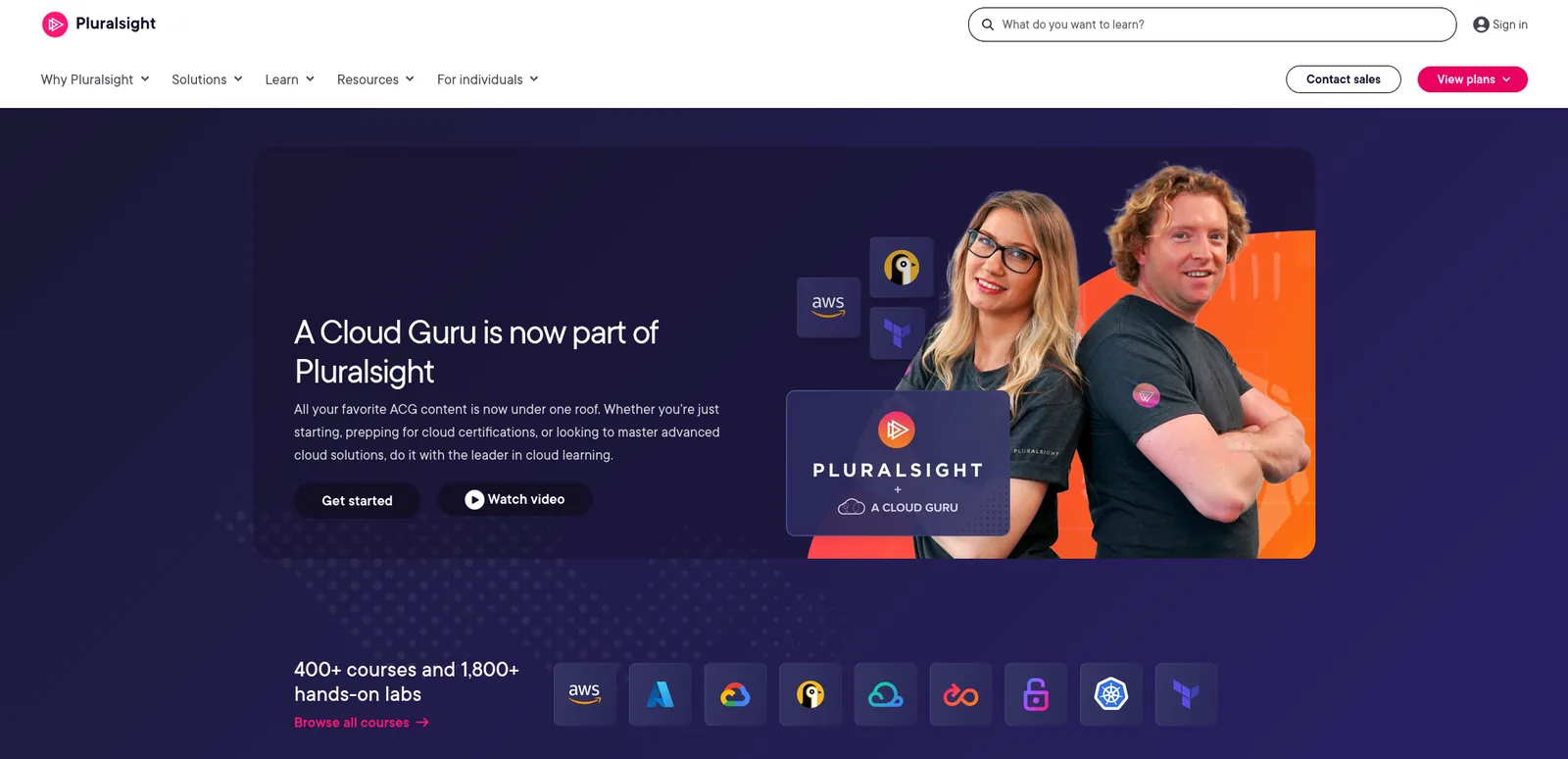
Pluralsight is headquartered in Westlake, Texas, and A Cloud Guru is now part of it. Its cloud sandboxes give learners secure, credentialed access to live AWS, Azure and GCP environments for up to eight hours, with 350+ services available. The Enterprise plan includes every sandbox, and other plans offer limited or no access.
Guided labs give real-time feedback, scores for different skills and recommendations on what to study next. Pluralsight connects to LMS and LXP platforms through its Integrations Hub.
Pluralsight is aimed at businesses more than colleges, and it works best for building cloud skills across large teams.
7. TryHackMe
Best for: browser-based cybersecurity labs for schools, colleges and universities
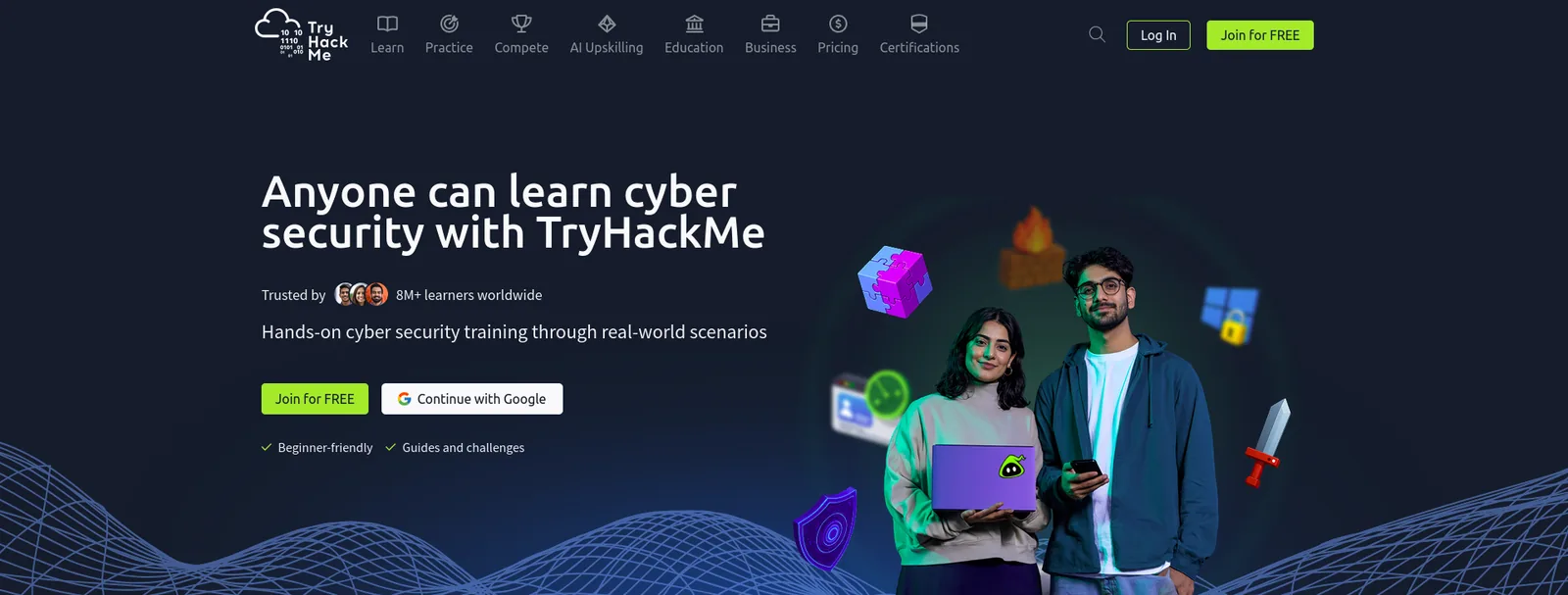
TryHackMe is a London-based cybersecurity training platform with 8 million users. It works with schools, colleges and universities to give students practice attacking and defending machines. Everything runs in the browser, and each learner gets a personal virtual machine, so there is nothing to install on campus. Hundreds of its labs are free.
Instructors can assign learning paths, modules and individual rooms to groups or single students, set deadlines, and pull live reports showing questions completed, average attempts and progress.
For a cybersecurity program, that means ready-made attack and defense practice without building a lab range.
8. Hack The Box
Best for: university cybersecurity programs that want offensive and defensive labs they can assign and track
Hack The Box launched in 2017 and has grown to more than 300 employees. Its first listed office is in Folkestone, UK, with others in New York, London, Athens and Sydney. The platform offers 1,500+ hands-on cybersecurity labs.
For higher education, instructors can assign labs and assessments in a couple of clicks, build a custom path that follows the syllabus and track class progress with reporting. Institutions can get special or bundled pricing.
University security programs use it for competition-style practice on top of coursework.
9. KodeKloud
Best for: DevOps, Kubernetes and cloud courses taught through guided labs and sandbox playgrounds
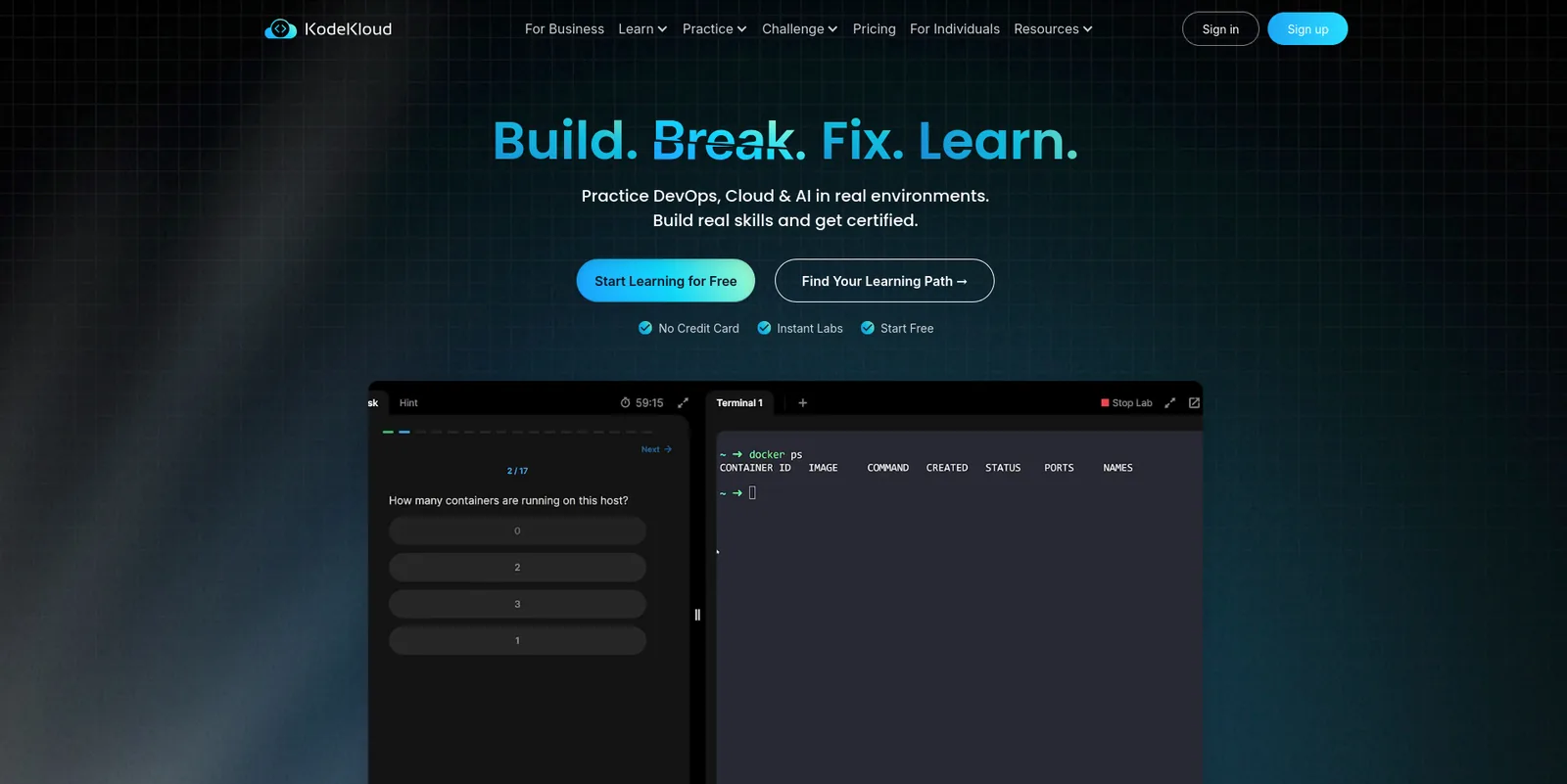
KodeKloud launched in July 2019 to teach DevOps and cloud skills hands-on. Its playgrounds are sandboxed cloud and DevOps environments for AWS, Azure, Google Cloud, Kubernetes, Docker, Terraform and Linux, and its pricing page lists unlimited access to 1,280 hands-on labs.
Business plans add an admin dashboard, course assignments and a view of each learner’s progress. An academia program brings KodeKloud to colleges, with separate paths for students and faculty.
Kubernetes and infrastructure-as-code courses suit it well, since students need lots of short practice runs.
10. Immersive Labs
Best for: enterprise security teams proving cyber readiness through labs, ranges and drills
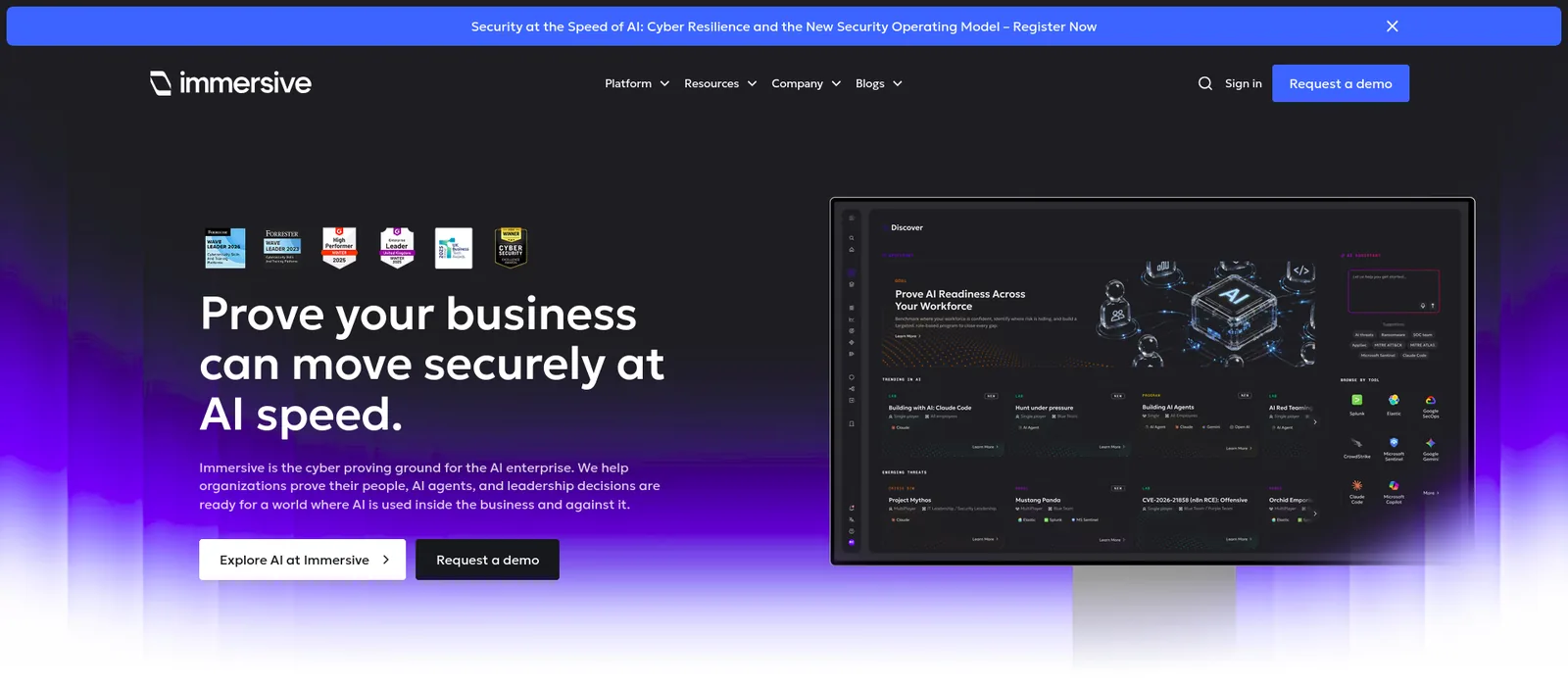
Immersive Labs was founded in 2017 by James Hadley in Bristol, UK, and has a US office in Boston. Each lab is a browser-based environment where a person completes a real security task against live systems and tools. It offers 2,500+ hands-on labs, including cloud security labs on AWS, Azure and GCP that run in the browser with no downloads.
Teams can also run cyber range exercises and cyber drills that recreate real incidents, and skills are mapped to MITRE, NIST and other frameworks.
Its customers are mostly corporate security teams. Colleges will find more classroom tools in Hack The Box or TryHackMe.
How to choose a virtual lab platform
Start with the course or program. A few questions narrow the field quickly.
What do learners need to work on? Cloud courses need real AWS, Azure or Google Cloud accounts, which CloudLabs, Vocareum, Instruqt and Pluralsight provide. Networking courses taught on physical gear point to NDG NETLAB+. Security programs fit TryHackMe, Hack The Box or Immersive Labs, and the best cyber range platforms compares the security options in more depth. Real environments use compute, so check the cost controls, or a forgotten lab runs all weekend.
Do you need your own labs? A catalog covers standard certification content. If your curriculum is unusual, look for custom lab design or authoring tools.
Will it fit your systems and class sizes? Ask for LTI 1.3 support, then test launch and grade return in a sandbox course before you sign. Find out what happens when a whole cohort launches at once, how licensing works for big classes, and whether it will cope with next year’s intake.
What will instructors see? Ask for a real instructor report. “Analytics” can mean anything from a completion tick to detailed activity data. Think about onboarding and support hours, and whether you want to run the platform yourself or have the vendor manage it.
What will it cost? Some platforms license per learner and others per appliance, and for cloud labs the compute is often billed separately. CloudLabs, for example, publishes per-user pricing for VM Labs and passes cloud costs through at your own rates. Ask each vendor to quote for one real course, and see how much virtual IT labs cost for published prices and a worked example.
Then run a one-term pilot with a single course. Watching how learners use the labs will tell you more than any demo.
The platforms at a glance
Every platform here gives learners real IT environments, but each one fits a different job. This comparison shows where.
| Platform | Main use | Strengths |
|---|---|---|
| CloudLabs | Browser-based hands-on cloud and IT labs | Labs on AWS, Azure, Google Cloud and Oracle Cloud, 1,000+ pre-built labs, custom labs, Shadow VM, LTI 1.1 and 1.3, auto-graded assessments |
| Skillable | Technical labs and skills validation | Real software and infrastructure, automated scoring, certification lab hosting, LMS integration |
| Vocareum | Real cloud consoles in a managed sandbox | AWS, Azure, Google Cloud and Databricks consoles, LTI 1.3, automated checking, automatic teardown |
| Instruqt | Browser labs on disposable cloud accounts | Isolated AWS, Azure and GCP accounts, VMs, containers and Kubernetes, LTI 1.1 and 1.3, embeddable labs |
| NDG NETLAB+ | Remote access to real networking equipment | Cisco Networking Academy support, Palo Alto Networks Academy labs, shared pods, scheduling, CCNA and Security+ alignment |
| Pluralsight | Guided labs and live cloud sandboxes | AWS, Azure and GCP sandboxes, 350+ services, real-time lab feedback, LMS integrations |
| TryHackMe | Browser-based cybersecurity labs | Personal VM per learner, assignments with deadlines, progress reports, free labs |
| Hack The Box | Offensive and defensive hacking labs | 1,500+ labs, lab and assessment assignment, class progress reporting, academic pricing |
| KodeKloud | DevOps labs and cloud playgrounds | Kubernetes, Docker and Terraform labs, AWS, Azure and GCP playgrounds, course assignments, academia program |
| Immersive Labs | Security labs, ranges and cyber drills | 2,500+ labs, cloud security labs, cyber range exercises, MITRE and NIST mapping |
FAQ
What are the top 10 best virtual lab platforms?
That depends on what you teach. For cloud labs, look at CloudLabs, Vocareum, Instruqt and Pluralsight. For certification-aligned skills validation, look at Skillable. For networking on real equipment, NDG NETLAB+. For DevOps practice, KodeKloud. For cybersecurity, TryHackMe, Hack The Box and Immersive Labs. The “best for” line on each entry above shows where it fits.
What is CloudLabs?
CloudLabs is a hands-on lab platform for technical education and training. It runs browser-based labs on AWS, Azure, Google Cloud and Oracle Cloud, with pre-built and custom labs, LMS integration, Shadow VM for administrators, cost controls and an optional managed service.
What types of virtual labs does CloudLabs provide?
Cloud labs on the major clouds, virtual machine labs for classrooms, custom labs built around a curriculum, and pre-built labs from a catalog of 1,000+. It also offers labs for certification courses, AI curriculum labs and auto-graded, lab-based assessments. The focus is technical: cloud computing, cybersecurity, AI and data science.
Conclusion
For hands-on cloud and IT training, CloudLabs is the best platform on this list.
It’s the only one here that runs labs on all four of AWS, Microsoft Azure, Google Cloud and Oracle Cloud, and it can also run them on an institution’s own cloud subscription. Courses can start from the 1,000+ pre-built labs, from custom labs built around the curriculum, or from a lab the Cosmos AI lab builder generates from a prompt.
It also fits the way colleges already work. LTI 1.1 and 1.3 cover Canvas, Moodle, Blackboard and Brightspace, and sign-in goes through Microsoft Entra ID or Okta. Per-user pricing, spending limits and scheduled shutdowns keep the bill predictable, and cloud costs pass through at the institution’s own rates.
The track record backs this up. Microsoft’s Azure Lab Services retirement guide names CloudLabs as a recommended partner for institutions that need to move before June 28, 2027. More than 1 million people have trained on CloudLabs, Seneca Polytechnic used it to teach Azure Fundamentals to about 6,000 students, and Wayne Community College has published a case study on its AI-900 labs.
Some courses need a specialist. NDG NETLAB+ is the pick for physical network equipment, and Hack The Box suits competition-style security practice. For everything else in cloud, AI, security and IT, start with CloudLabs.
Book a CloudLabs demo to try it with one of your courses.
Related Blogs
 CloudLabsBest Partner Training LMS Platforms for 2026The best LMS platforms for partner enablement in 2026, ranked on hands-on product practice, per-partner portals and CRM fit: CloudLabs, Docebo, Skilljar, CYPHER and more.
 CloudLabsBest Cybersecurity Lab and Cyber Range Platforms for 2026The best cybersecurity lab and cyber range platforms for 2026, for SOC teams, colleges and security vendors: CloudLabs, Cyberbit, Immersive and more.